Module
VTT Admin
Configure templates, users, access, and the overall structure of the training environment.
Template Setup
Training Structure
Administrative Control
VTT is a browser-based platform for virtual combat training, guided preparation, execution and evaluation.
Interactive digital terrain table - High quality virtual 3d worlds - Admin integrated to Moodle
Available indoors and outdoors on computers, tablets and large interactive screens.
Developed and tested in close collaboration with units in the Danish Armed Forces.


You can see us there in Odense, Denmark, on April 20-23, 2026.
VTT helps instructors prepare and run training sessions, assign participants, evaluate submitted work, add comments, and build statistics after every session.
The platform keeps the workflow understandable and practical while supporting structured military preparation online.
VTT offers a cost-effective and safe alternative to traditional military training methods, enabling soldiers to prepare orders and procedures for combat situations in a controlled online environment. It is a planning and training tool, not a shooter game.
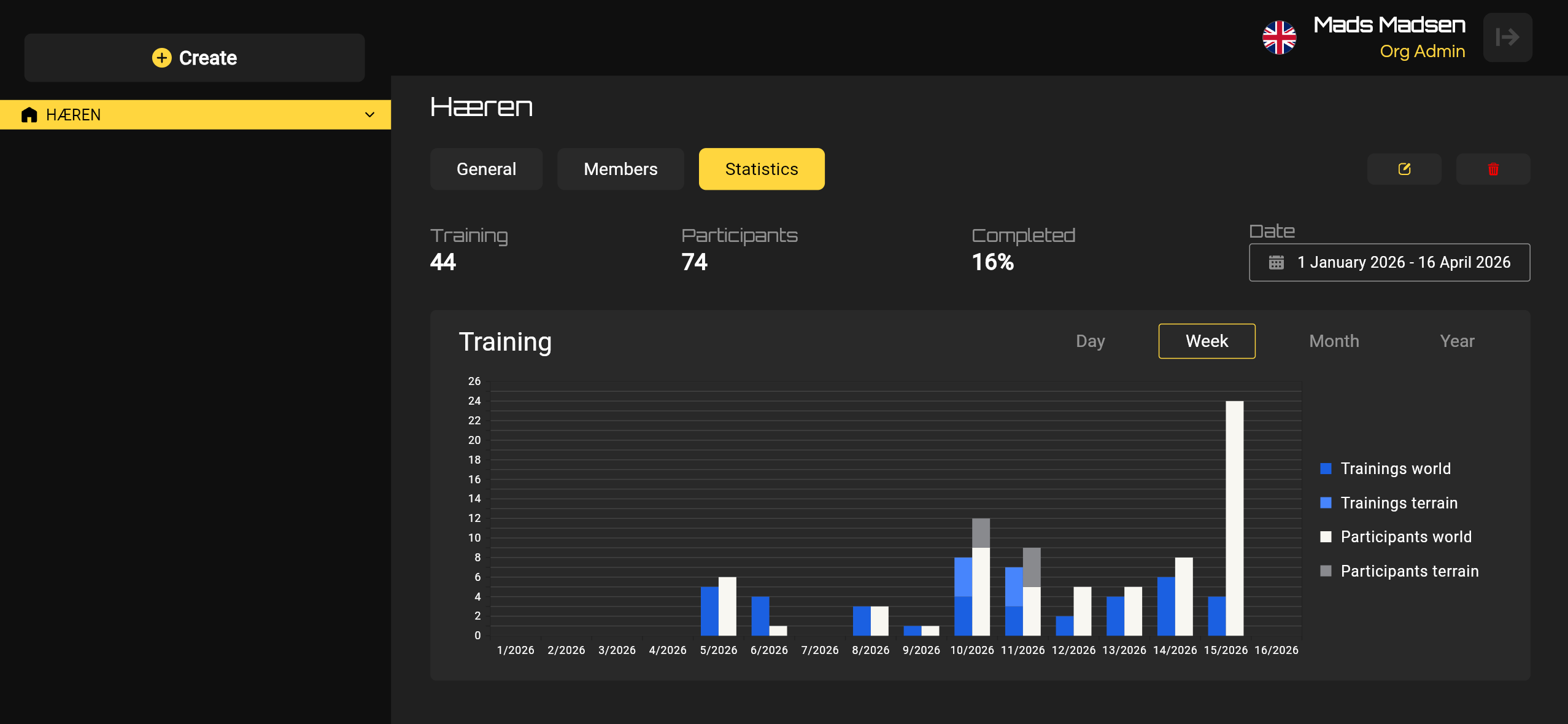


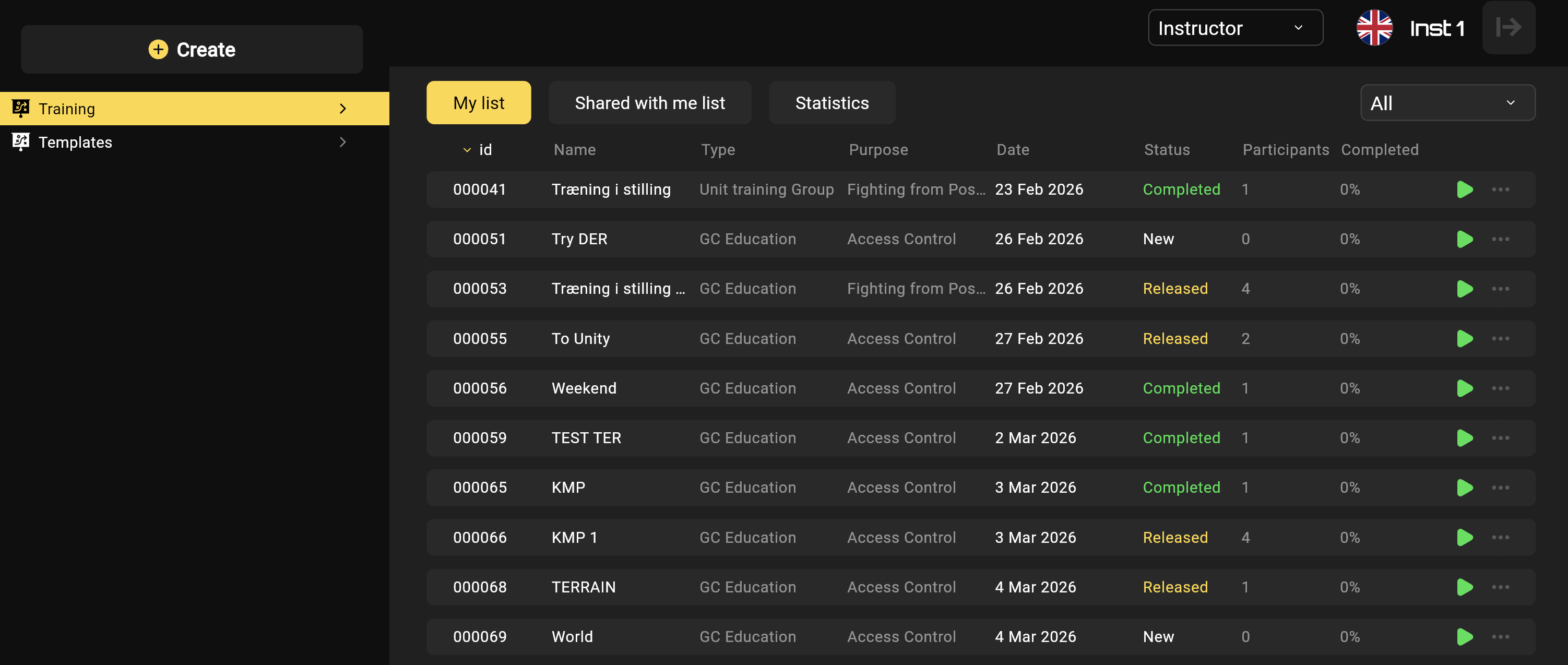
Core platform areas used to configure, structure, and run training sessions.
Configure templates, users, access, and the overall structure of the training environment.

Support scenario context and represent the environment used during training planning and execution.
Build the wider mission frame and connect the training content into one coherent operational view.
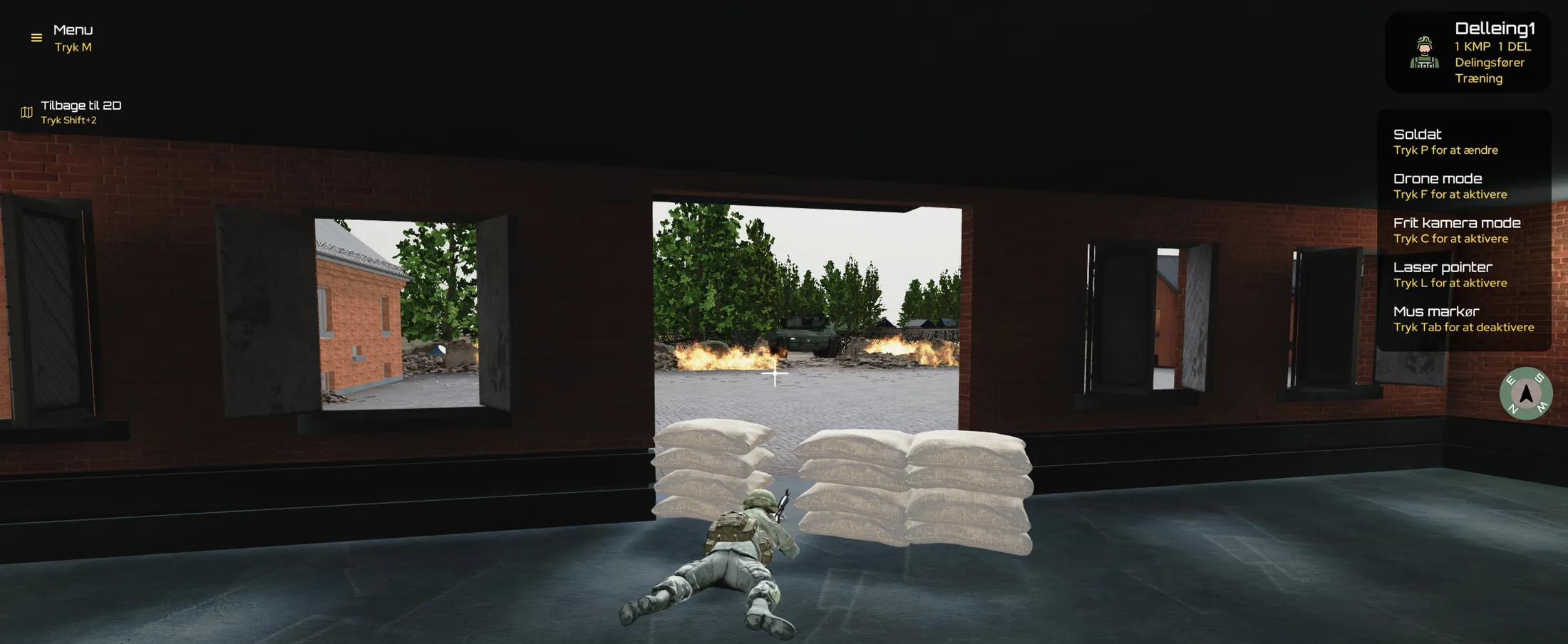
Each role appears in its own section for a more readable scroll flow.

Controls the platform structure, permissions, and system-level setup required for training delivery.
Creates training, assigns participants, evaluates work, and gives structured feedback after completion.


Receive, complete, and improve through guided training tasks and instructor review.
The training flow remains simple and readable.
Start from a ready structure for faster setup.
Deliver the training session to the correct group.
Review results, provide structured feedback, and support analysis after completion.
Turn outcomes into measurable learning data.
Browse the platform screenshots, switch slides in the carousel, and open each image in a larger view.

Use this block for contact data, outreach details, or a future contact form.
Attend online demo & get access to VTT
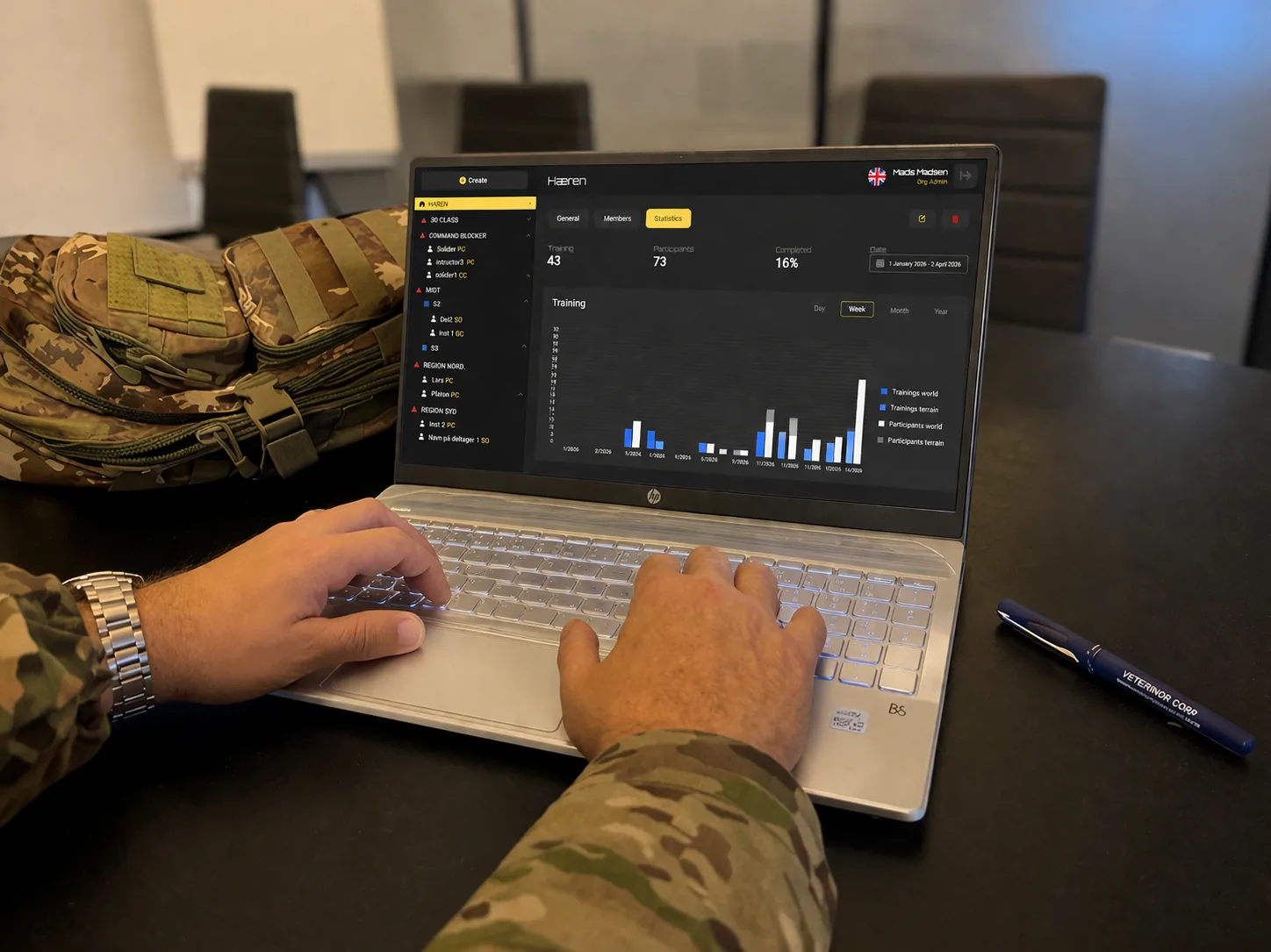
Reach out directly for a live walkthrough, questions, and next steps.